RyteKey
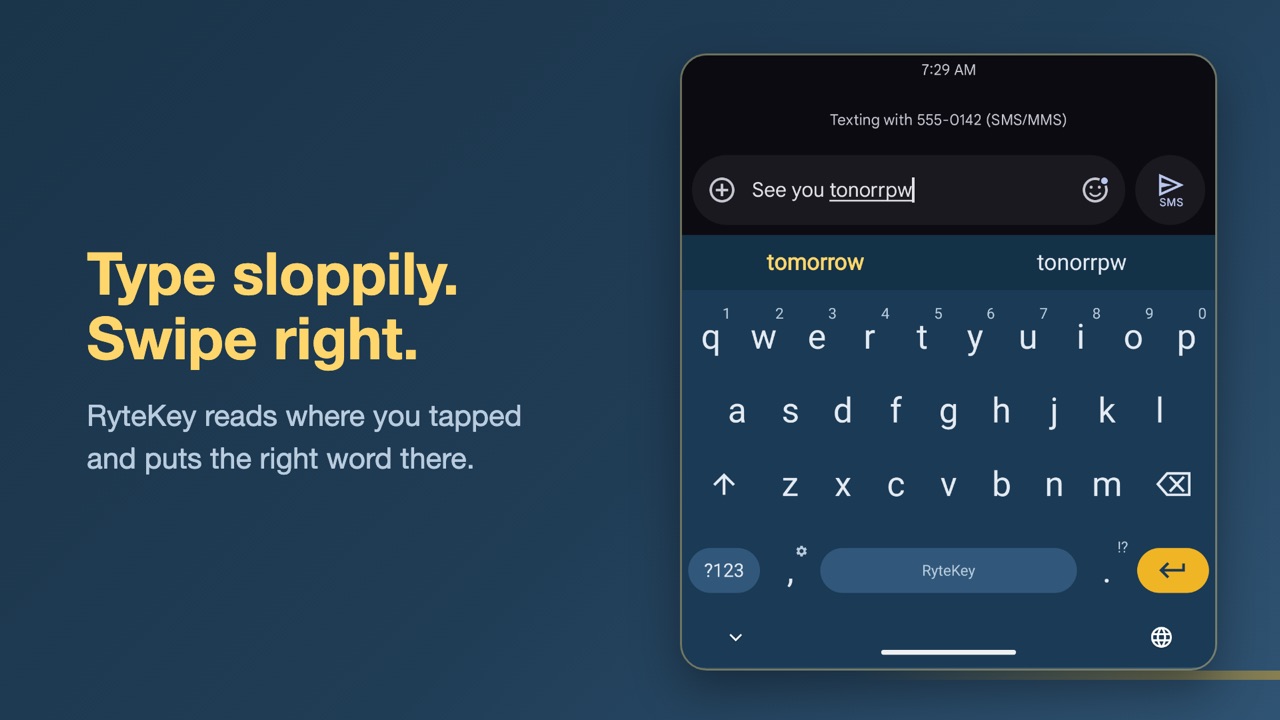
Type roughly where the letters are, swipe right, and RyteKey fixes the word.
Closed betaJoin the beta
Free · Android · English · Works fully offline
What it does
It reads where you tapped, not just which key you hit. Swipe right to fix the word and add a space.
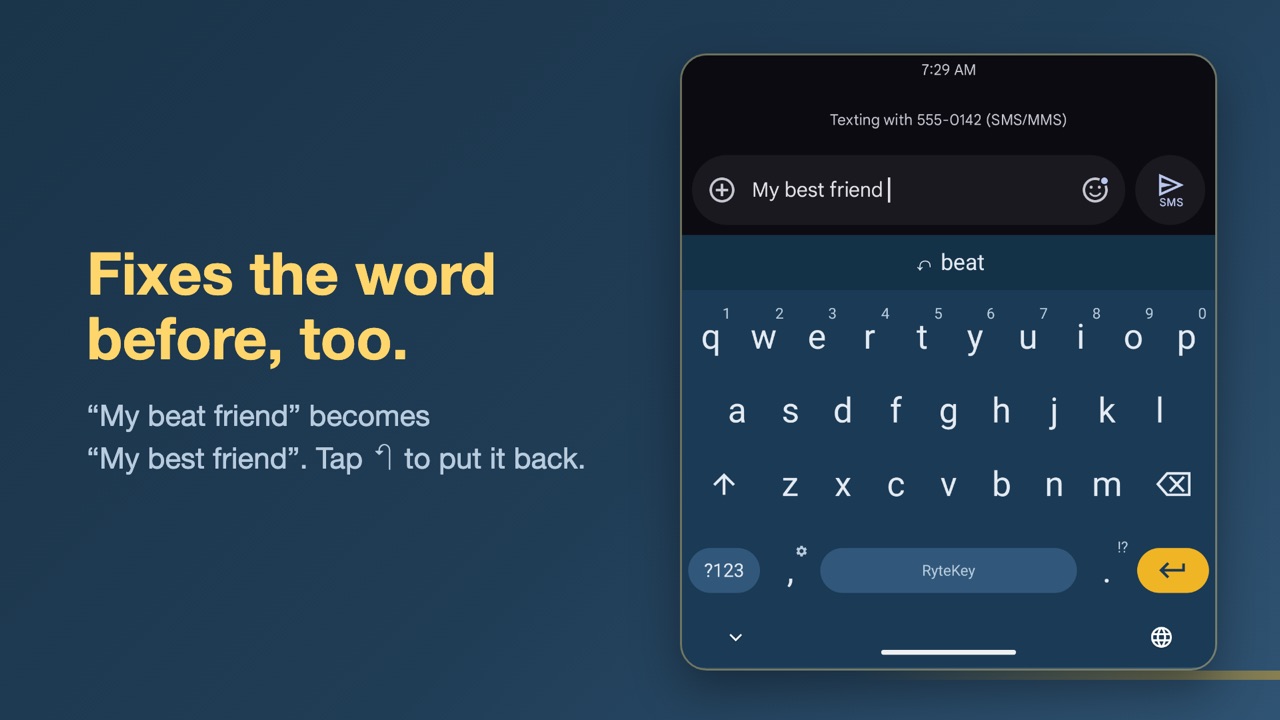
"we cab go" becomes "we can go". It even goes back to fix the word before: "my beat friend" becomes "my best friend".
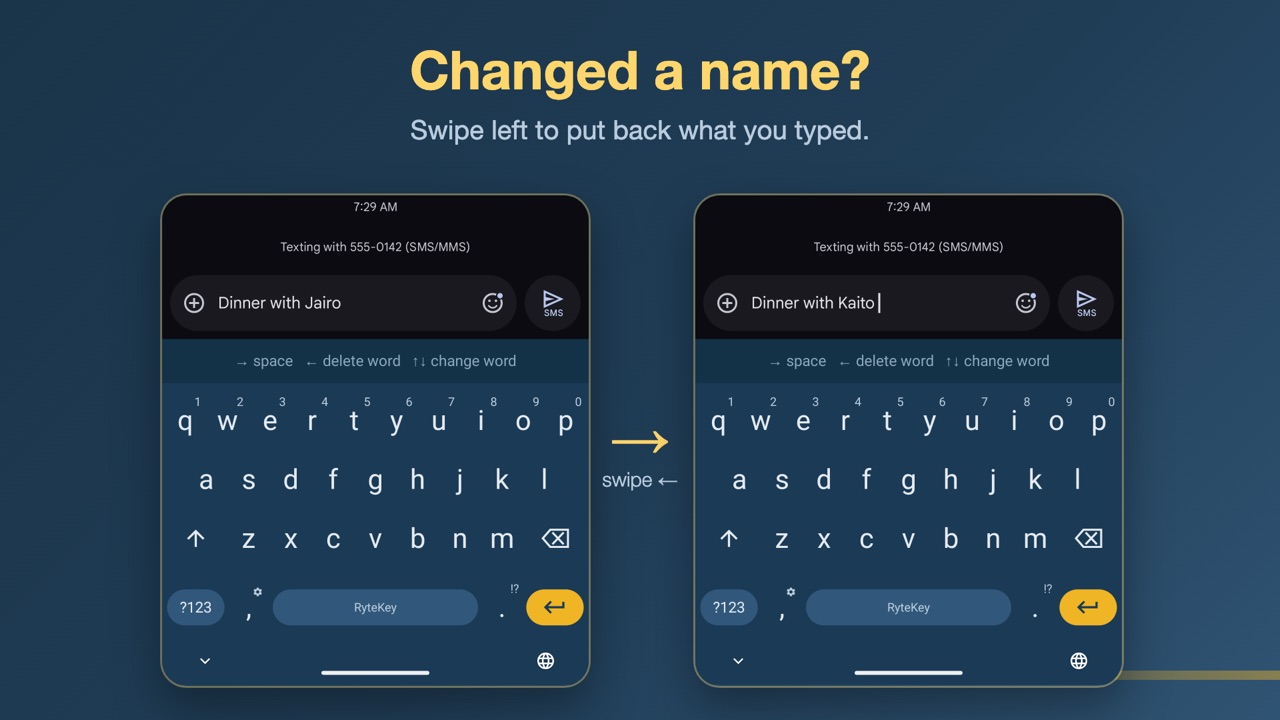
Swipe left to undo any correction, even several words later. Swipe up or down for the next suggestion.
RyteKey doesn't even have internet permission, so nothing you type can leave your phone. No ads, no accounts, no tracking.
Periods and capitals when a sentence ends, don't and Sarah's, 2nd and 5pm, and word completions as you type.
Every typing feature is free, with no trial and no subscription.
Screenshots
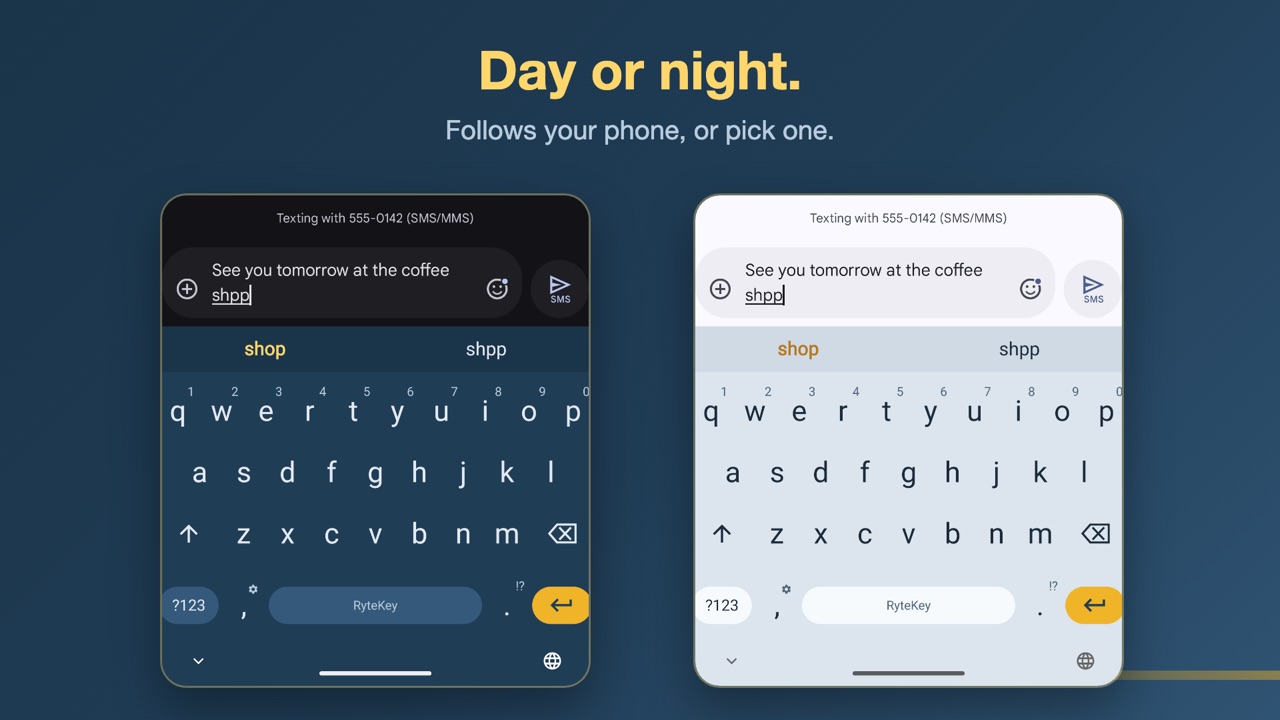
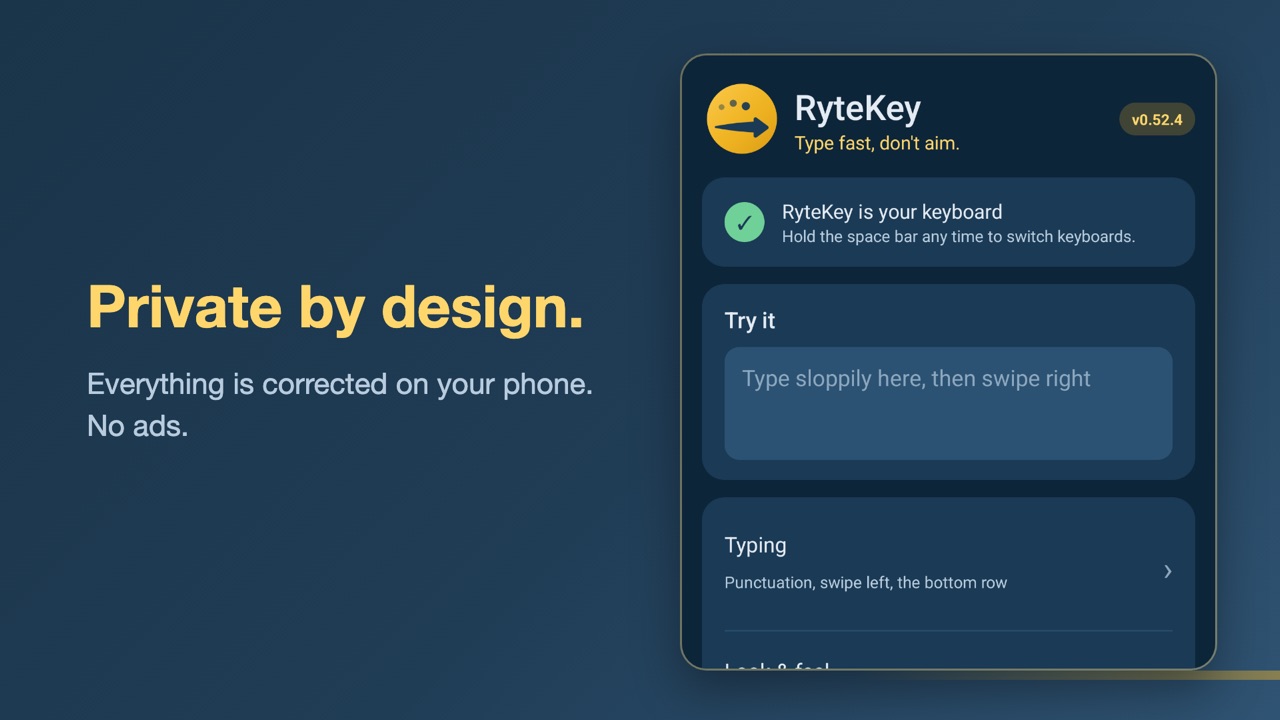
Join the closed beta
- Join the tester group with the Google account you use in the Play Store.
Join the group - Become a tester: open the testing page and tap "Become a tester". It can take a few minutes after step 1.
Open the testing page - Install RyteKey from Google Play, open it, and follow the two setup steps to make it your keyboard.
Android only, English only for now. Wrong correction? Undo it and tap "Report this correction": it opens your email app with just that word, so you see exactly what you send. Anything else: RyteKey app › About › Send feedback, or dev+bugs@catsnevercode.com.
Questions
Is it really free?
Yes. All typing features, including autocorrect, are free with no ads. A one-time RyteKey Plus purchase may come later for extras like themes and sync, never a subscription for typing.
Can RyteKey see what I type?
Only on your phone, to correct it. RyteKey has no internet permission, so it can't send anything anywhere. You can check this on its app page in Android settings. See the privacy policy.
iPhone?
Not yet. RyteKey is Android only for now.
Other languages?
English only for now.